A real mix,
not a preset.
DRONIK listens to your individual stems and builds the mix from them — balance, EQ, dynamics, low end and space. Then AutoMix Lab hands you every channel, so you can shape it in minutes and finish with AutoMaster.
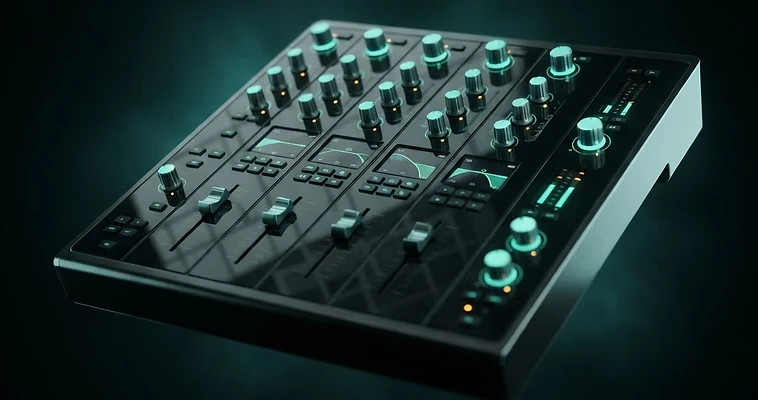
The console, without
the learning curve.
AutoMix builds the starting balance from your actual stems. The Lab then gives you every channel — tone, dynamics, stereo, cleanup, space and saturation — plus a Mix Bus for the whole song. Change what bothers you, hear it instantly, approve it once.
Bounded tone shaping per channel, before the fader and the Mix Bus.
Role-aware A/B moves you can try and undo in one click.
Upload a reference song and match its tonal balance and loudness.
Your stems decode locally; the session runs on your machine.

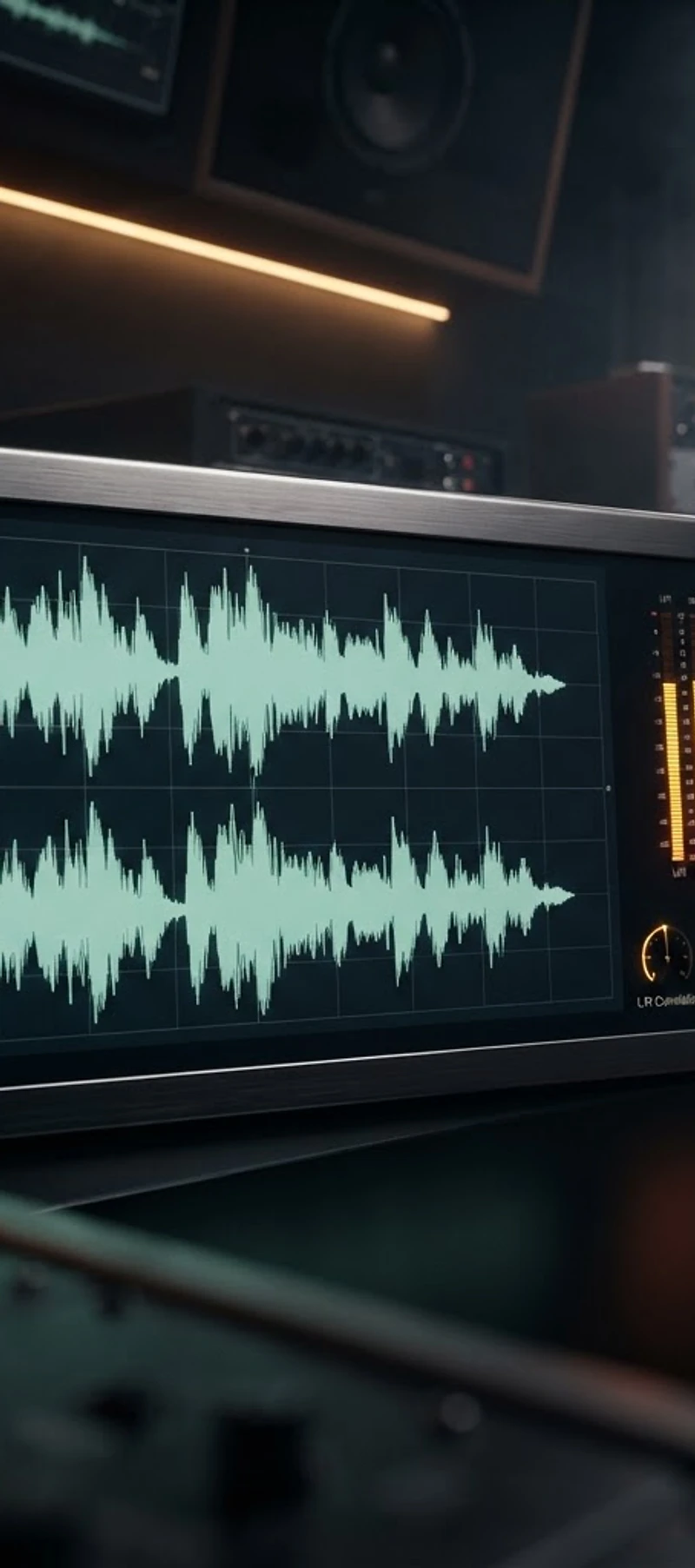
Mastering that respects
the mix you approved.
AutoMaster never rebalances your channels. It works from the premaster, matches the delivery target and reports every check it made — so nothing sits hidden behind a score.
- Source-first
Your premaster tone, stereo image and dynamics stay intact. No aggressive inverse EQ.
- Adaptive
Density, crest and loudness range decide how hard the chain works — before it renders.
- Reference-aware
Optional reference matching for tone and loudness, bounded so it cannot rewrite the song.
- Repeatable
Remaster the same premaster with a new mode or target. Your mix is never rebuilt.

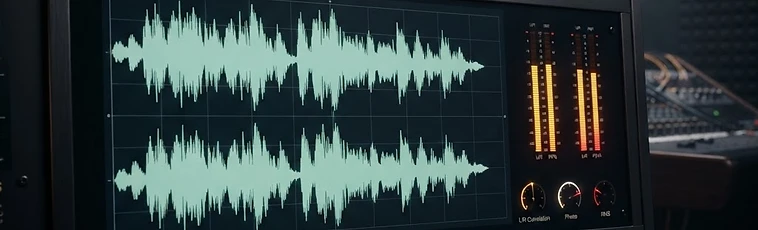
AutoMaster: tonal match, dynamics, stereo safety and true-peak limiting — verified before export.
Choose how much the chain should do, then change it later without touching the mix.
True-peak ceiling and crest protection follow the target you pick.
A new mode or target renders a fresh master from the exact same premaster. No AutoMix, no channel changes.
44 styles. One song.
Your direction.
Pick a genre family, then a specific sonic strategy. It changes balance priorities, dynamics, low-end behaviour, stereo placement and ambience — while still adapting to the audio you actually recorded.
Artist names describe a direction only. DRONIK never clones a record; it analyses your tracks.
Modern Metal
Tight low end, forward kick and snare, controlled cymbals and very wide rhythm guitars.
Modern Rock
Band-forward balance with real drum energy, present guitars and a vocal that stays in front.
Dream / Shoegaze
Wide layered guitars, deeper ambience and a softer transient focus on the drums.
Modern Pop
Stable vocal foreground, polished low end and intentional depth behind the beat.
Trap
Sub authority, sharp hi-hats and a vocal that sits on top without fighting the 808.
Singer-Songwriter
Natural dynamics, an intimate lead and a believable room around the performance.
Unsure? Adaptive lets the recording lead the mix instead of forcing a genre.
Six steps. No DAW required.
From separated stems to a released master, in one flow — and every important decision stays in your hands.
Raw multitracks or stems, straight from your session.
Genre family, sonic style, mix intensity and an optional reference.
Tell DRONIK what must stay forward. It builds the AutoMix around that.
Every channel: tone, dynamics, stereo, cleanup, space, saturation — plus the Mix Bus.
A verified master from your approved premaster, at the target you deliver to.
Final master, premaster, RAW or processed tracks.
Mixing is the hard part.
Mastering shouldn’t be.
Most tools start after the mix is already printed. DRONIK starts at the stems — builds a real balance, lets you steer it per channel — then masters the version you approved.
That is the difference between a louder file and a better mix.
Stems, not a stereo file
AutoMix works from your individual tracks, so balance and separation are decided before anything is printed.
AutoMix Lab on every channel
EQ, dynamics, stereo, cleanup, space and saturation per stem — audible instantly, saved with the mix.
A real Mix Bus
Glue, tone, width and optional saturation for the whole song, applied once into the premaster.
A master that reports back
AutoMaster verifies peak safety, loudness, crest and LRA retention, tonal change and stereo balance.
Let DRONIK handle the repetitive work, then change exactly the channel your ears disagree with.
Don’t trust a demo track. Use yours.
A mix tool is only useful on the material you actually make. DRONIK lets you hear the result, change it and decide for yourself.
Judge the result with your own ears.
Switch between RAW, premaster and master at the same musical moment, with match gain on, instead of trusting a score.
Change the thing that actually bothers you.
Kick too thin? Vocal too loud? Guitars too wide? Open that channel, move it, hear it — and nothing else moves.
Take every stage with you.
Export the finished master, a clean premaster, the RAW mix or processed stems and continue wherever you like.
Upload a real session, listen to what AutoMix does with it, then refine only what matters to you before AutoMaster.
The whole workflow. No tiers.
Listen without an account, then create one to save projects and download. No locked mix tools, no watermarked result.
Real stems, real relationships — balance, EQ, dynamics, low end and space.
Every channel editable: tone, dynamics, stereo, cleanup, space, saturation.
Glue, EQ, width and optional saturation for the whole mix, before mastering.
11 genre families plus Adaptive, each with its own balancing strategy.
Four modes, five delivery targets, reference matching and a verification report.
Final master, premaster, RAW or processed stems — WAV and MP3.
Features and limits may change as the product improves. Your projects stay yours.
Who we
are
DRONIK is built by a small audio team of mixing and mastering engineers who were tired of the same two choices: fix every channel by hand, or hand the whole song to a black box. So we built both halves ourselves — AutoMix Lab for the stems, AutoMaster for the finish — and kept every decision in your hands while you listen.



The important questions, answered.
DRONIK is built around one idea: get the mix right from the stems, then master without undoing it.
Hear it on your own stems.
Listen to AutoMix and AutoMaster without an account. Create one only when you want to save the project or download the master.